For every plan, you will need to create at least one pay group to establish benefits plan deductions. Every individual employee record must be associated with one pay group.
By creating a pay group, this will allow the system to identify the employee’s pay frequency, pay period, and appropriate benefit per pay deduction.
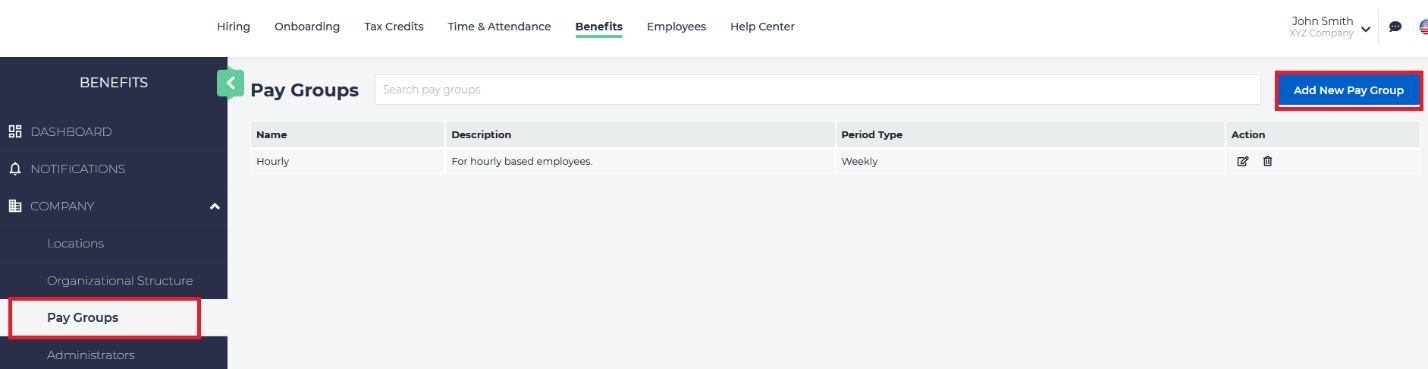
To access Pay Groups, from the left menu, choose Company and then Pay Groups. Here you will see a listing of all of the existing pay groups. Remember, every company has at least one pay group for Benefits to function properly.
Adding a Pay Group
To add a new pay group, click on the blue button on the upper right:
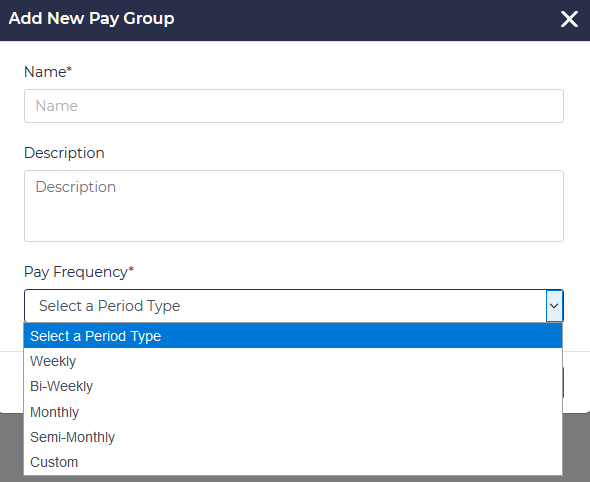
Here you can add a new pay group, and you can select the frequency for the pay. The options are bi-weekly, monthly, semi-monthly, and custom:
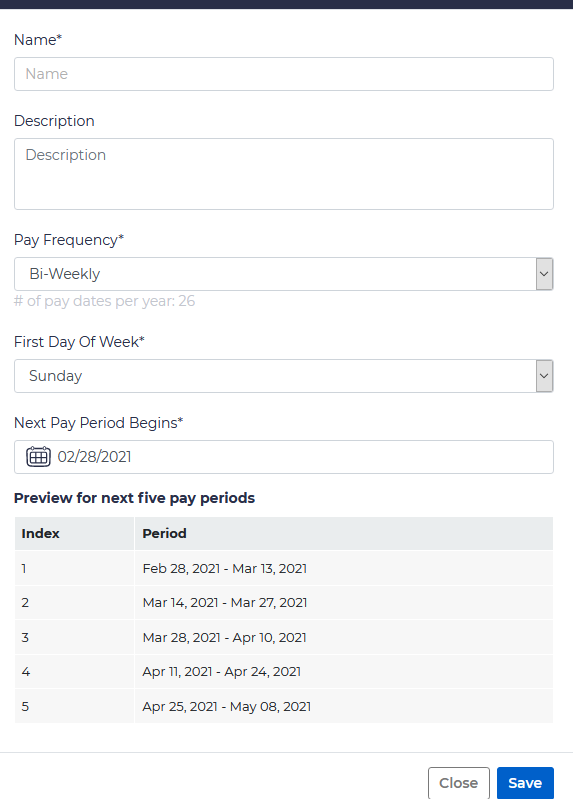
Choose an appropriate pay frequency, identify the first day of the pay week, and enter the date for when the next pay period begins. You will then be shown a preview for the next five pay periods.
Custom Pay Groups
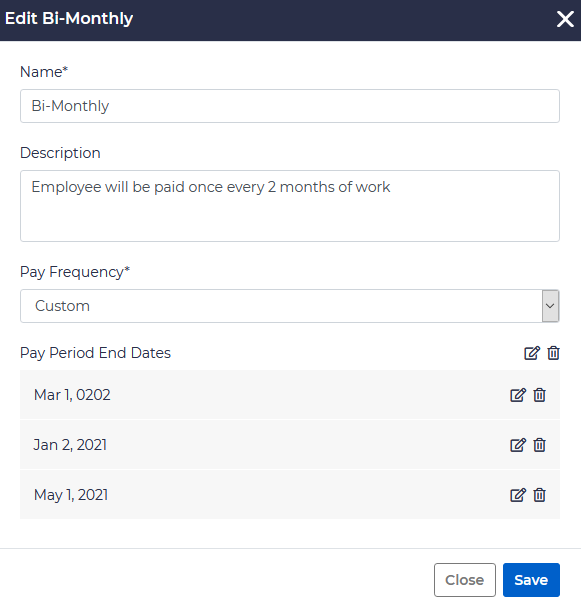
You have the option of creating a non-standard pay group by choosing Custom. After doing so, enter a name and description of the custom frequency, and then enter any custom dates associated with this pay group. For example:
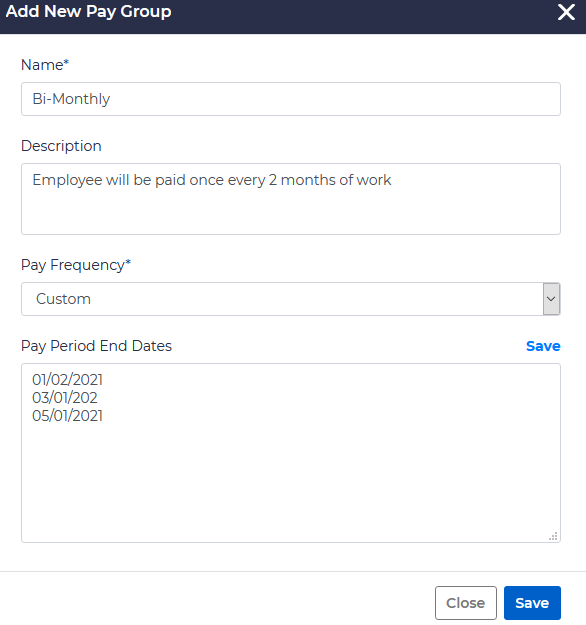
It is important to note that custom pay frequencies which do not pay on a normal preset schedule need to have the dates updated to include the next pay date.
You can then edit an existing frequency by clicking on the edit button on the right of the specified pay schedule:

You can either edit the entire pay period, or individual dates.