Some carriers require employees to answer initial underwriting questions to determine if an employee and/or spouse meets the minimum necessary requirements to enroll in a plan. These questions are required to be answered prior to an employee being presented with enrollment options and are usually related to the applicant’s medical history.
Company Level
As these questions can often apply to numerous plans, it is possible to set these up at the company level.
To set these up for a plan, navigate to Benefits – Templates. Choose the Underwriting Questions tab.
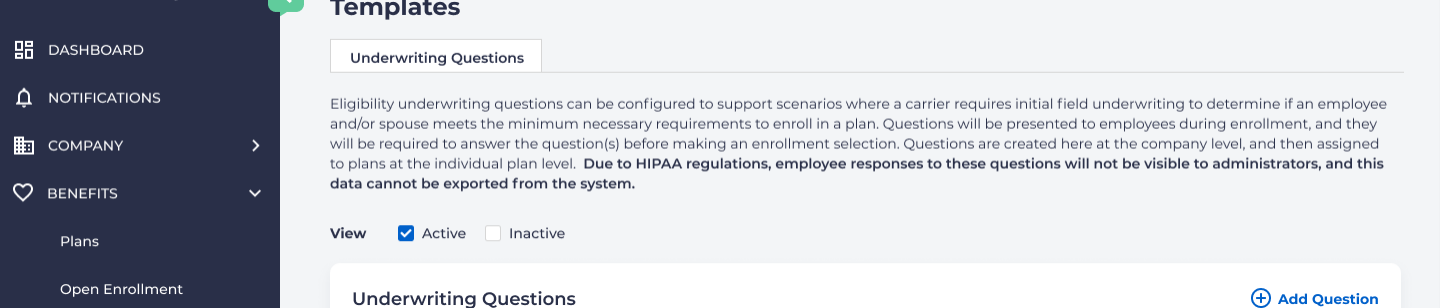
To add a question, click on “Add Question” on the right
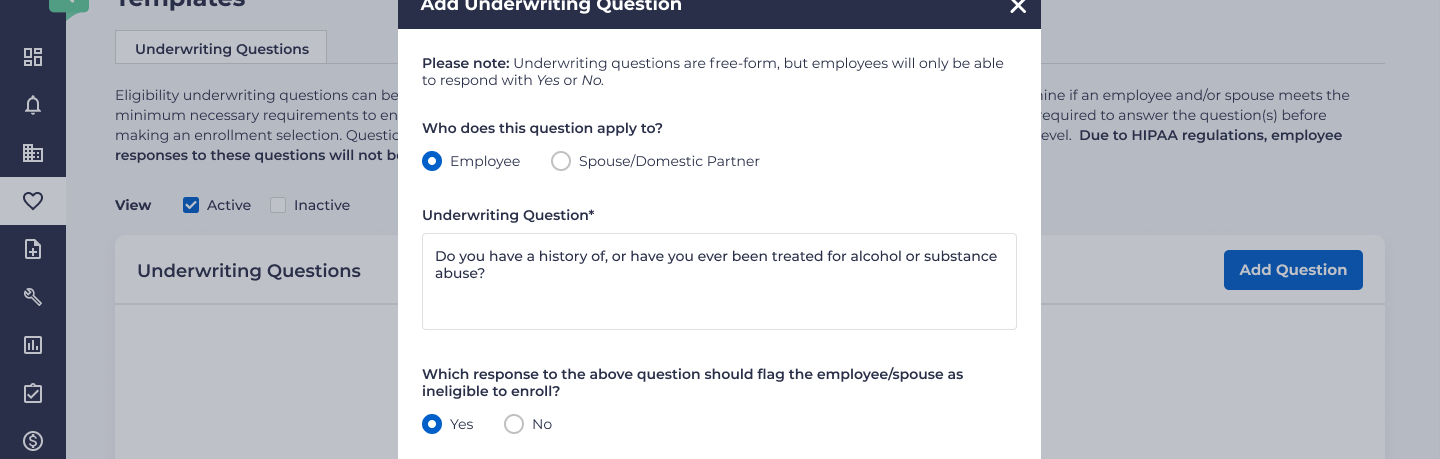
The question needs to specify about whom it is being asked, either the employee or their spouse/domestic partner.
There is also the option to make a specific answer trigger an ineligibility to enroll. Once the question has been saved, it will appear on the Underwriting Questions template page.
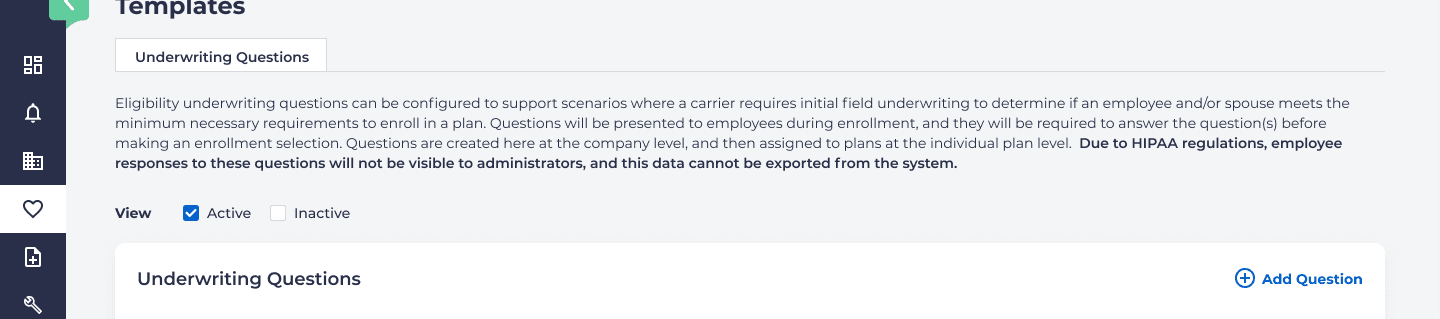
You have the ability to edit or delete these questions from this screen. You may also change the question to be “inactive”. Any changes or deletions will either change information for all associated plans or remove it from all associated plans.
Plan Level
To set up questions for a specific plan, choose Benefits – Plans, select the plan, and then choose the Eligibility tab.

Scroll down to Underwriting Questions.
Assuming questions have been created at the company level, you will see a row.
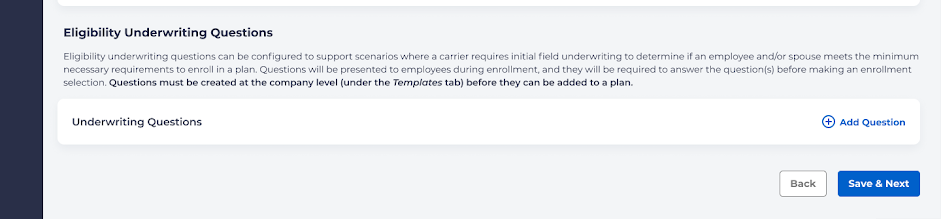
Click on Add Question.
You should see a popup modal with all of the active questions that were created at the company level:
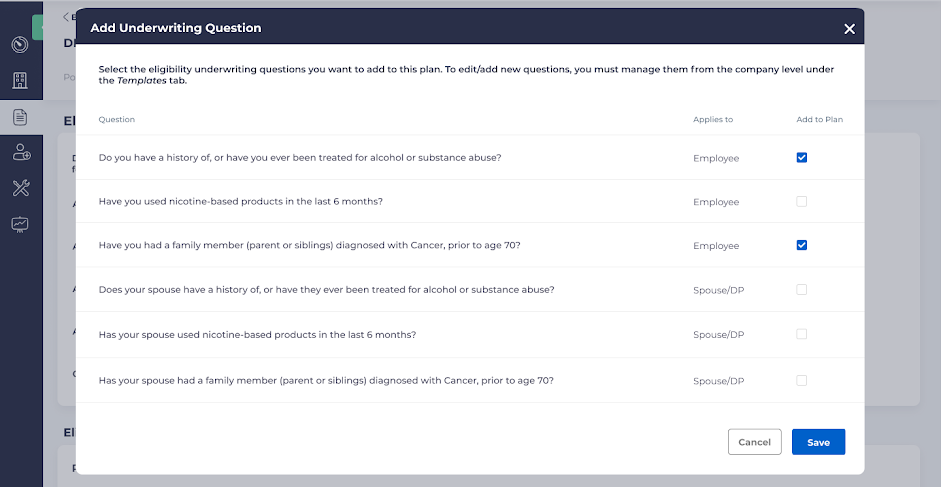
Choose which questions you wish to add to the plan by clicking a checkbox on the right under Add to Plan and click Save.
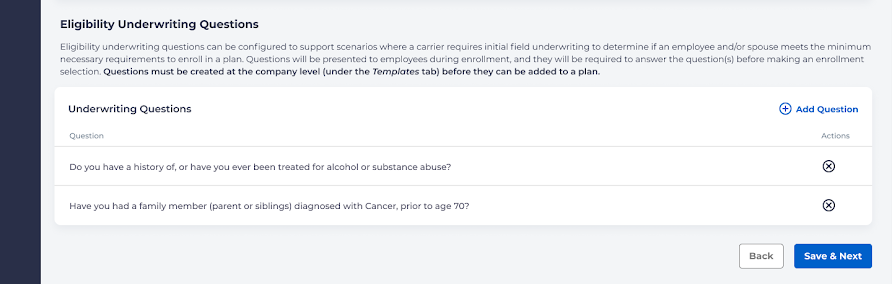
You will then see a list of selected questions for the plan.
Employee Enrollment
Important Note: Due to HIPAA regulations, employers are not able to see the results of answers to questions on these forms.
When going through the enrollment process, the employee will be shown a screen showing the underwriting questions. This will automatically display questions if at least 1 active plan has an underwriting question attached to it, the employee is eligible for that plan (based on the plan’s overall eligibility rules), and that plan is included in the enrollment window.
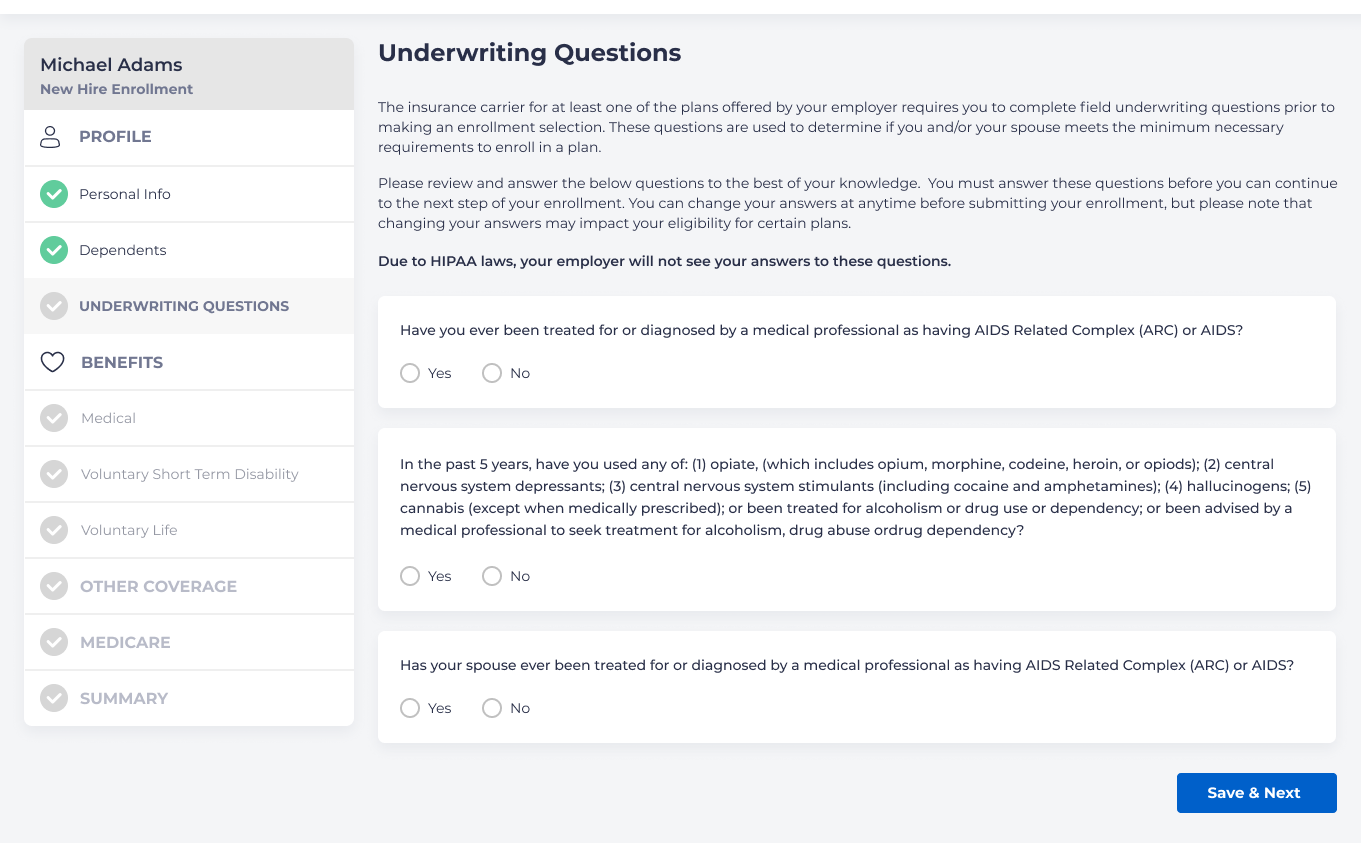
These questions will determine whether or not an employee or their spouse/domestic partner is eligible for the plan.
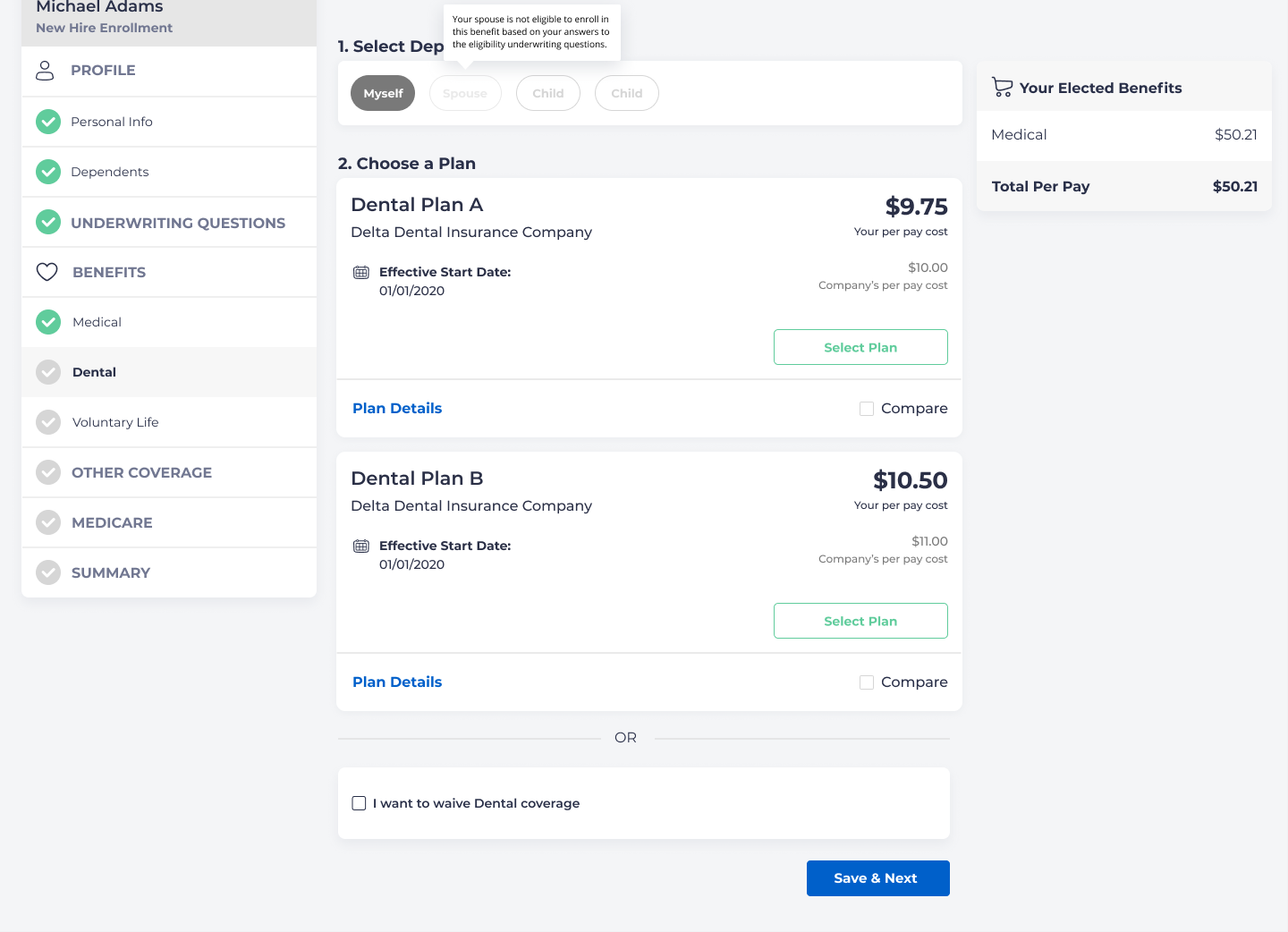
If an employee is eligible but their spouse/partner is not, the option to choose benefits for the spouse will be disabled. For example:
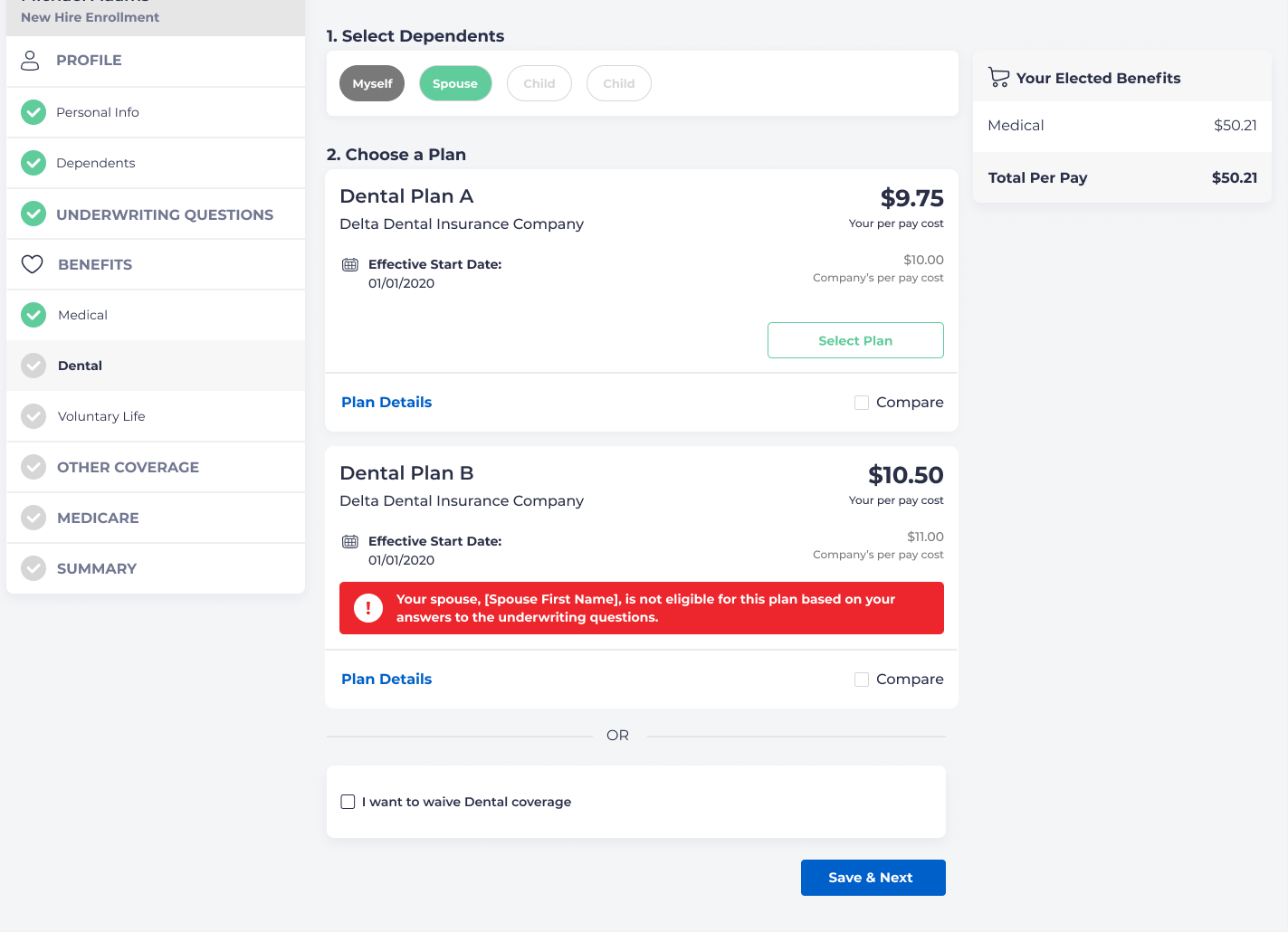
If a plan has not yet been selected, an error message will occur on the screen for plans where the spouse/partner is not eligible:
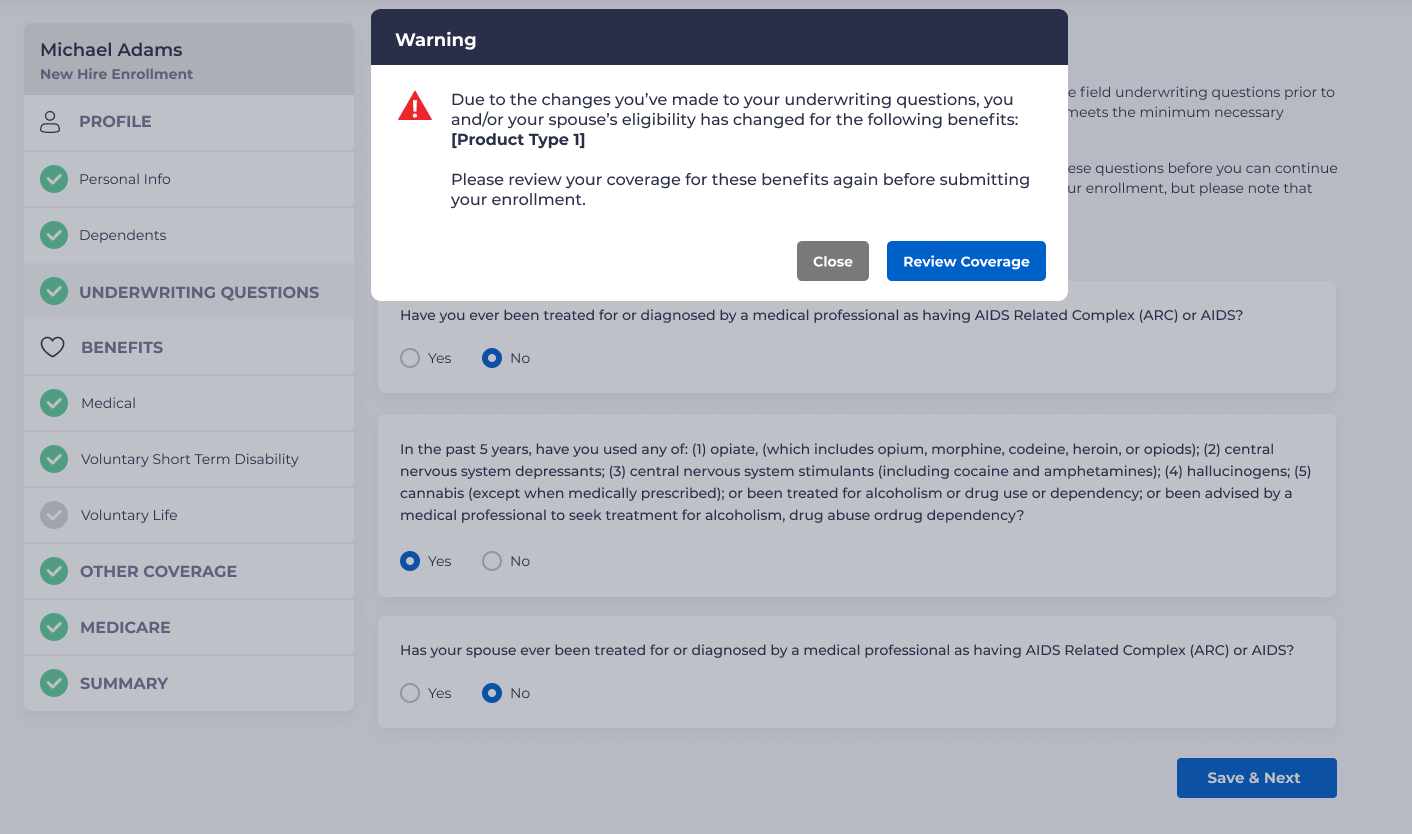
Occasionally an employee may go back and change their answers to their questions. If these affect eligibility in any way, an error message will appear.