You may filter for requisitions assigned you. For these, you will see an extra link to “approve” the requisition.

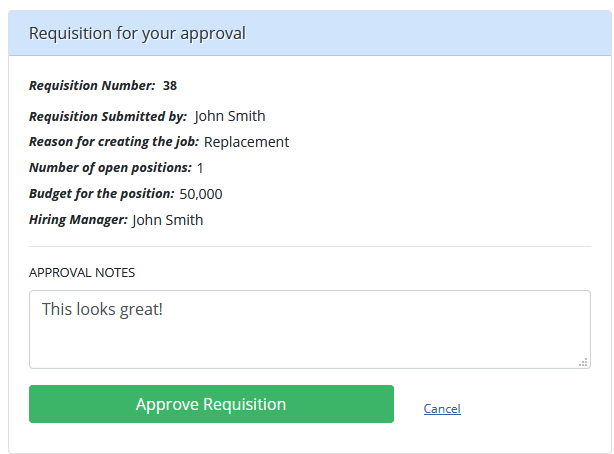
Clicking on this link will bring you to a page like this, where you may review the request, and click Approve Requisition or Deny Requisition.

IF you click Approve or Deny requisition, you will be provided a Comments field where you may add any notes or explanation for why you approved or declined the request.