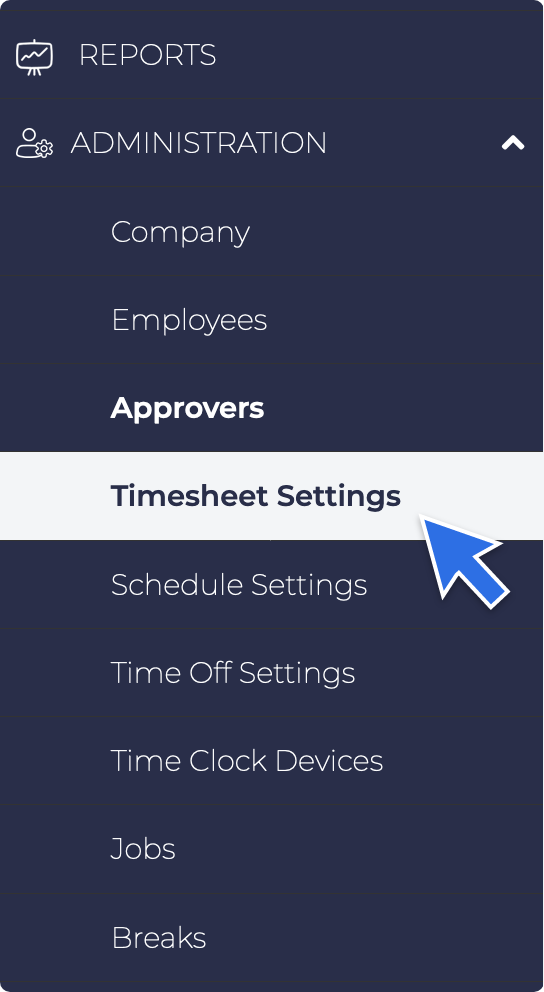
- Under the Administration section, go to Timesheet Setting.
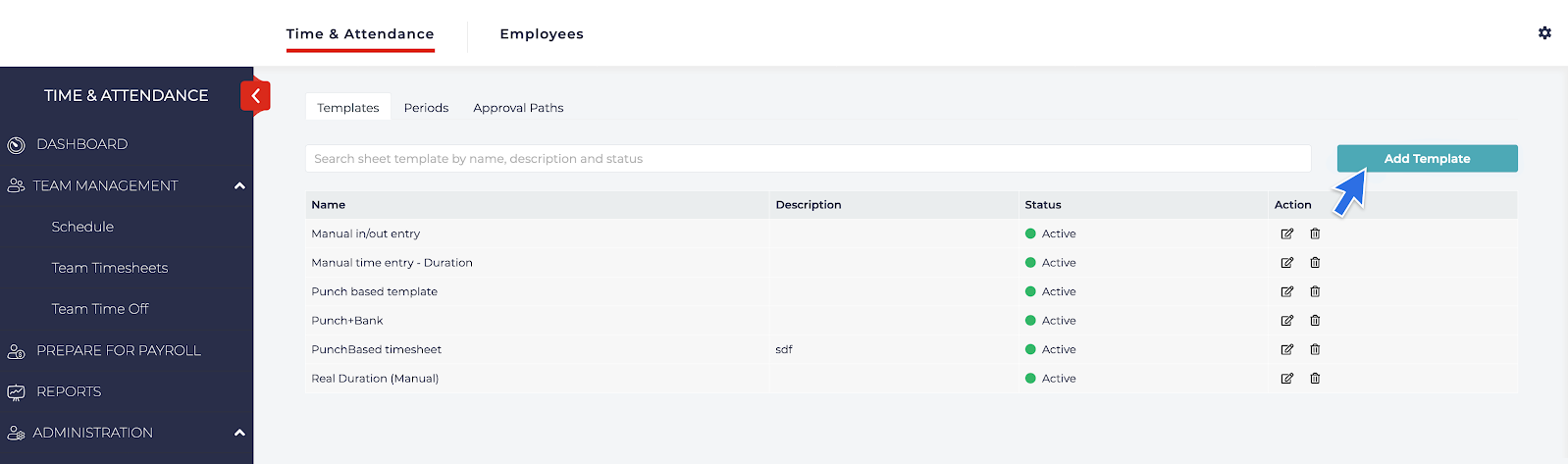
- Under the Templates tab, click the Add Template box.
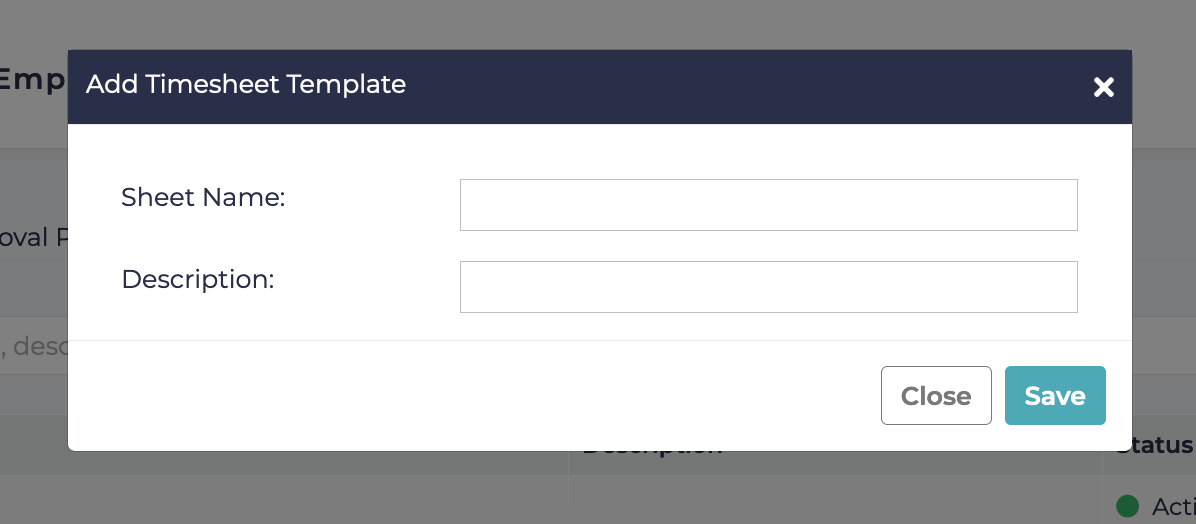
- An Add Timesheet Template will appear. Give the template a Sheet Name and Description, then click Save.
- An Edit Timesheet Template will pop-up.
- Fill-out/Answer all the questions under the Employee Can Reopen a Submitted Timesheet section according to your company set-up.
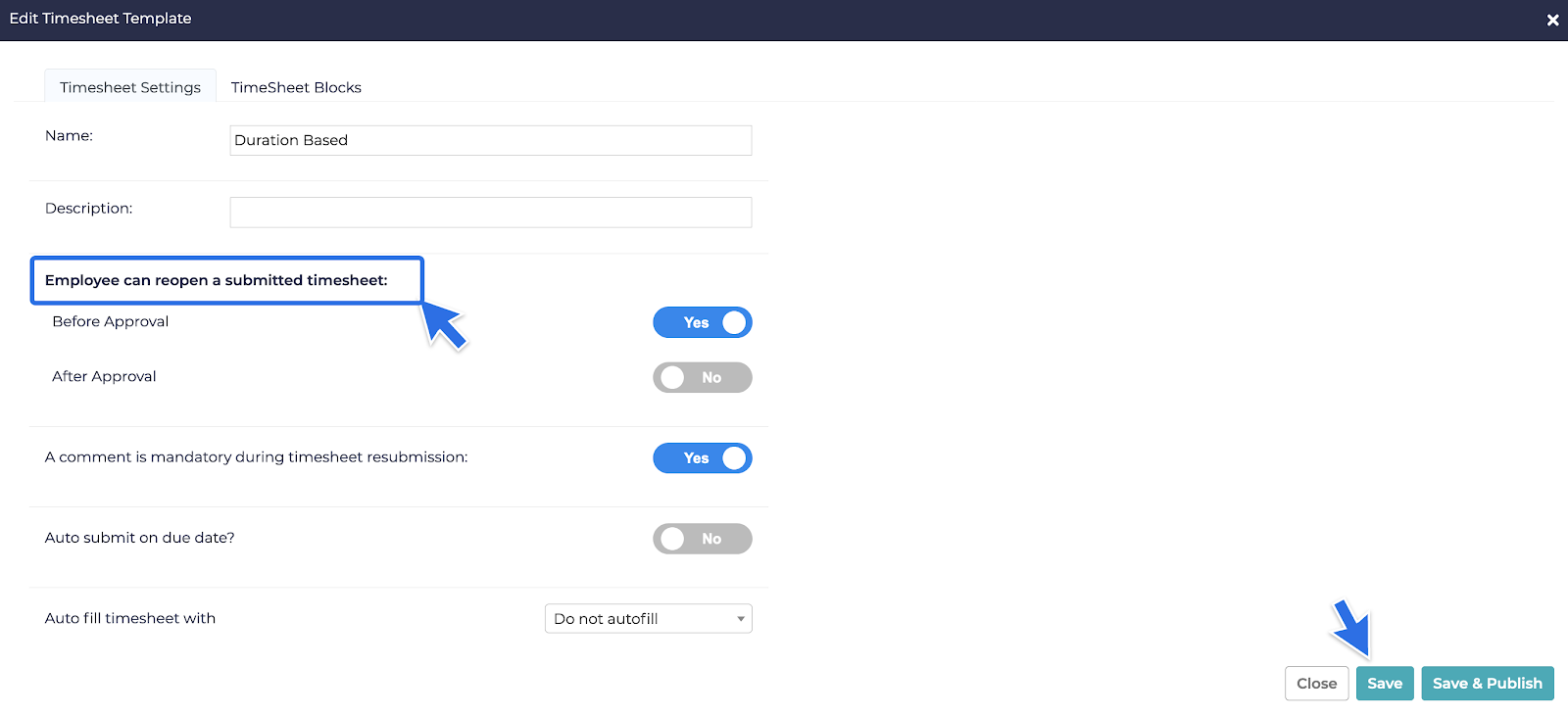
- Once done, click Save.
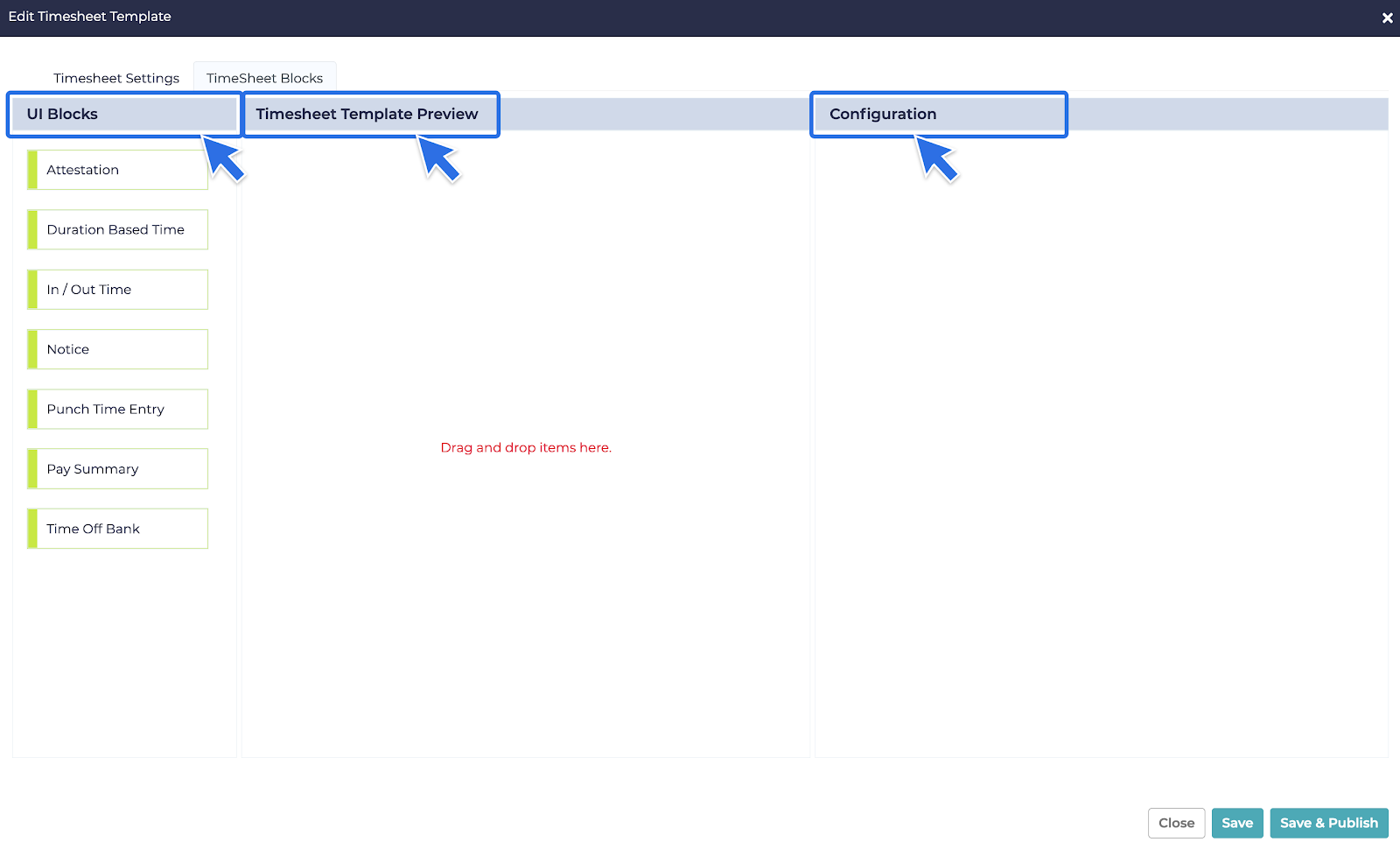
- Then click the Timesheet Block tab beside Timesheet Settings.
- The Timesheet Block Tab is divided into three sections: UI Blocks, Timesheet Template Preview, and Configuration.
Not allowed
How to Add a Timesheet Template
Not Allowed