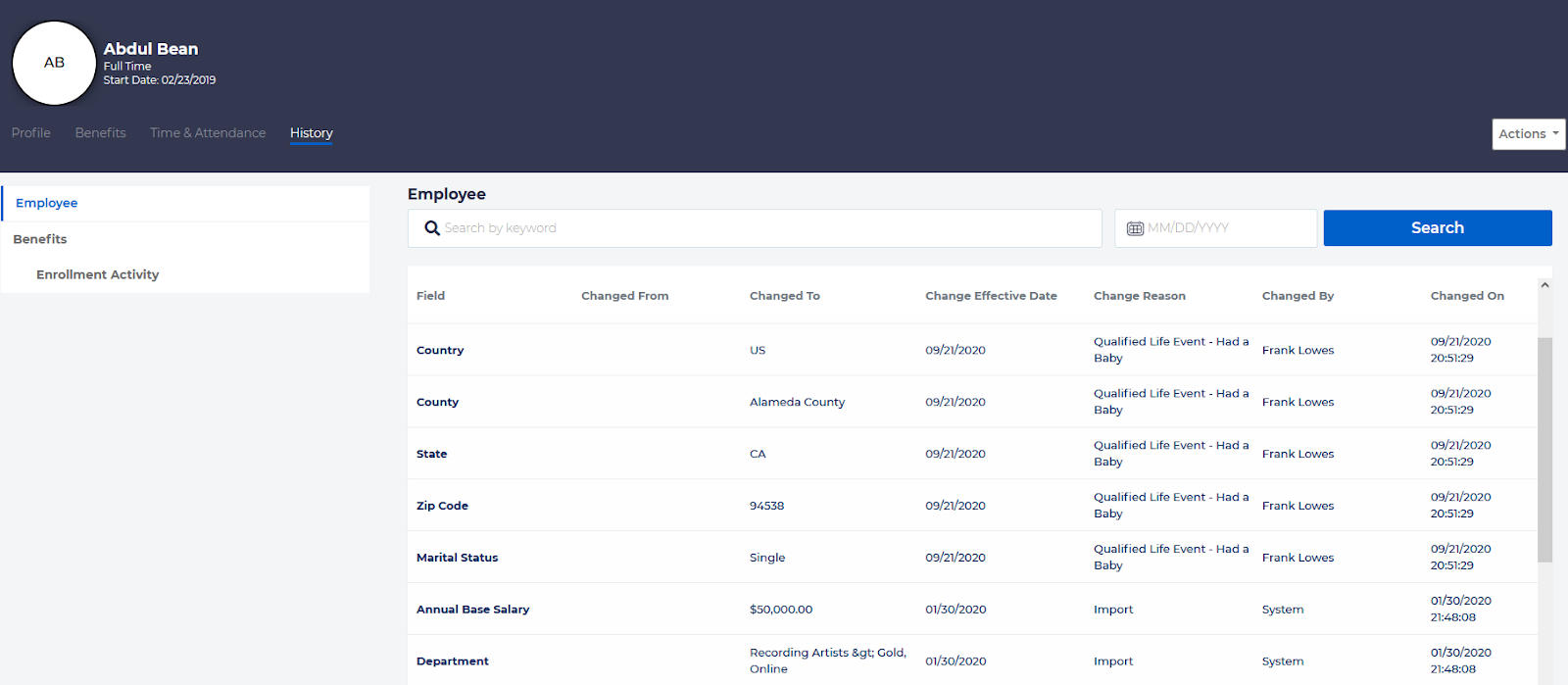
Sometimes it can be necessary to see when information about an employee has been changed, and by whom. To view an Employee’s Audit history, go the Employee record and choose the History tab, and select “Employee” from the menu on the left.
The record will include a row for each change that has been made for this employee. Columns in this report include:
- Field
- Changed From
- Changed To
- Change Effective Date
- Change Reason
- Changed By
- Changed On