The Job Application Builder is accessed by authorized users through the following process:
- Login to your account.
- Click the Hiring menu at the top of the page.
- From the left navigation panel, click Administration > Application Forms.
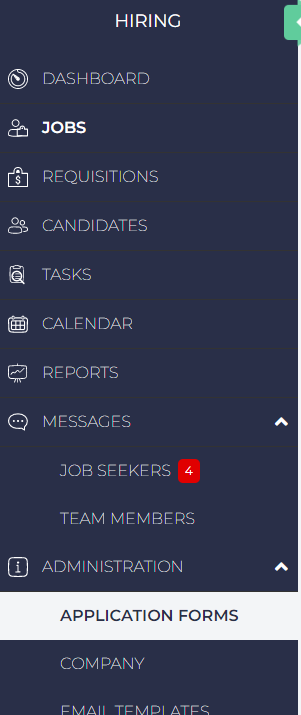
The Job Application Builder Page Layout
The Job Application Builder page provides the following actions based on the user’s role:
|
Action |
Role |
|---|---|
|
Create |
|
|
Edit |
|
|
Copy |
|
|
Delete |
|
Users can access the following information and actions from the page:
- Add New Form: Create a new Application Form.
- Application Form Details: For each Job Application Form, the following is listed:
- Name: The Application Form name.
- Status: The Status can be either Draft or Published.
- Jobs: The number of Jobs that use this Application Form.
- Last Modified: The date the Application Form was updated.
- Updated By: The last user to update the Application Form.
- Default: Whether the Application Form is a Default for Jobs.
- Actions: What the user is authorized to do with the application.
- The Application Name
- Default: If checked, this Application Form will be automatically used with Jobs.
- Actions: Users can select from the following actions:
 Preview
 Edit
Edit Copy
Copy Delete