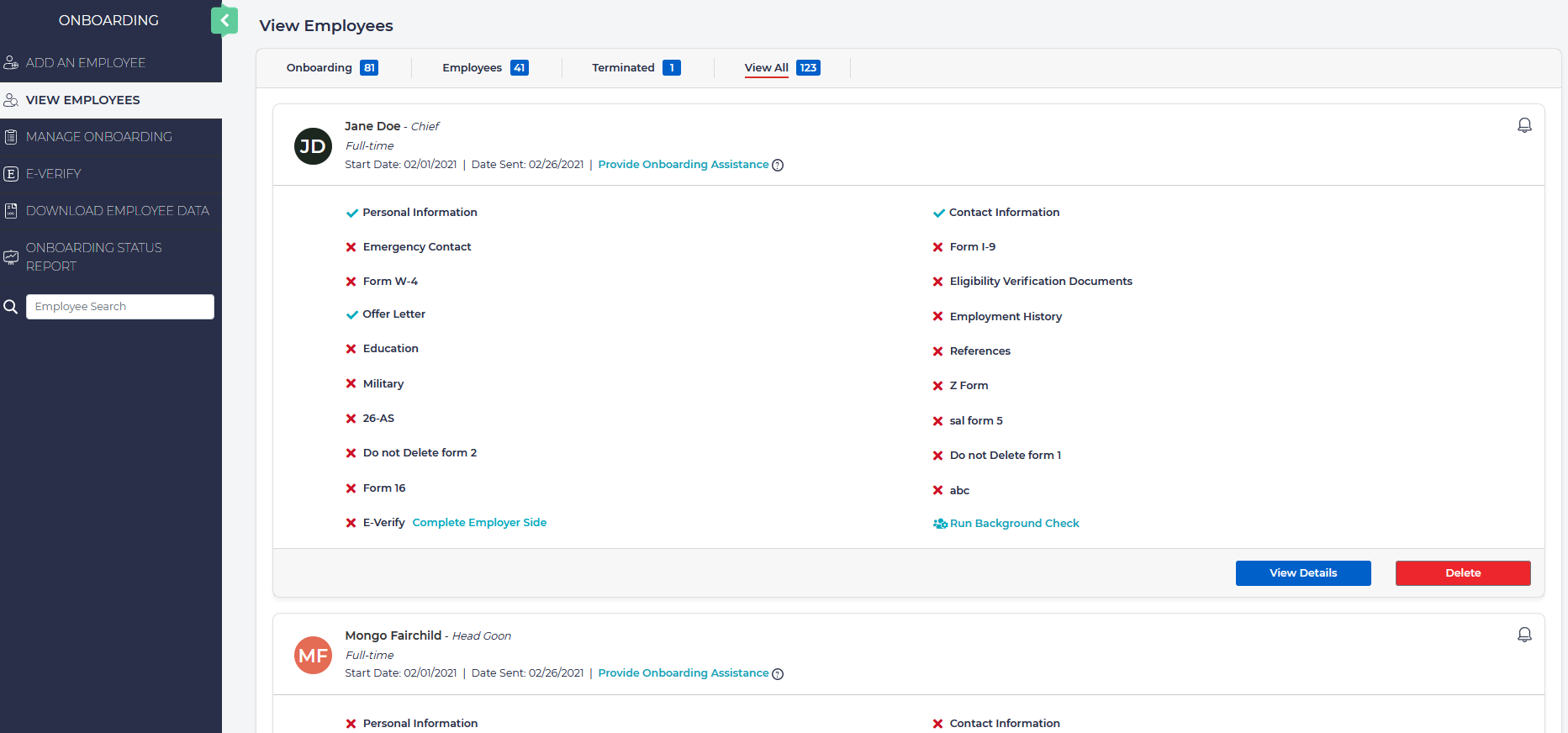
Employees that are undergoing the hiring process will be displayed under the View Employees section of the left menu. Click on any of the following tabs to filter employees by:
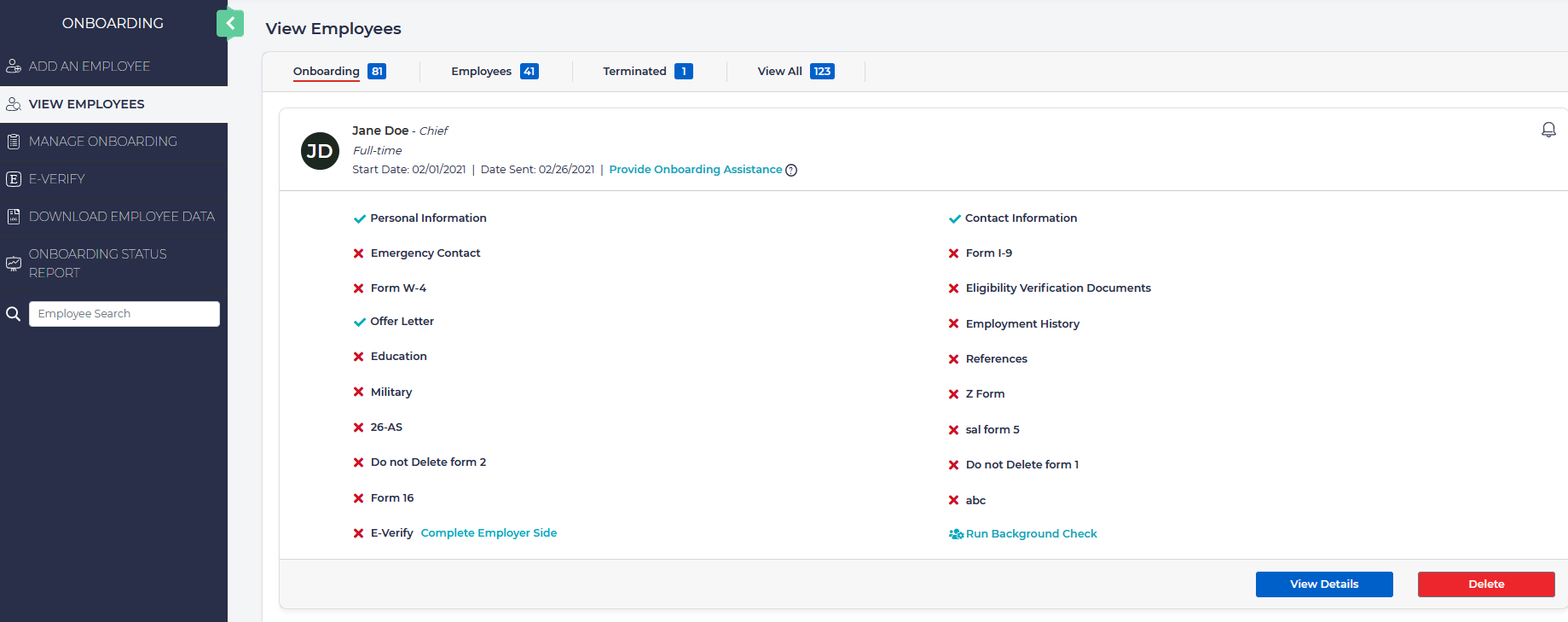
- Onboarding: Displays where new hires are at in the onboarding process. From here you can access any existing onboarding processes resend the onboarding docs list.
- Employees: Displays completed and active employees.

From here you can:
- View employee details.
- Download and print documents that employees have submitted.
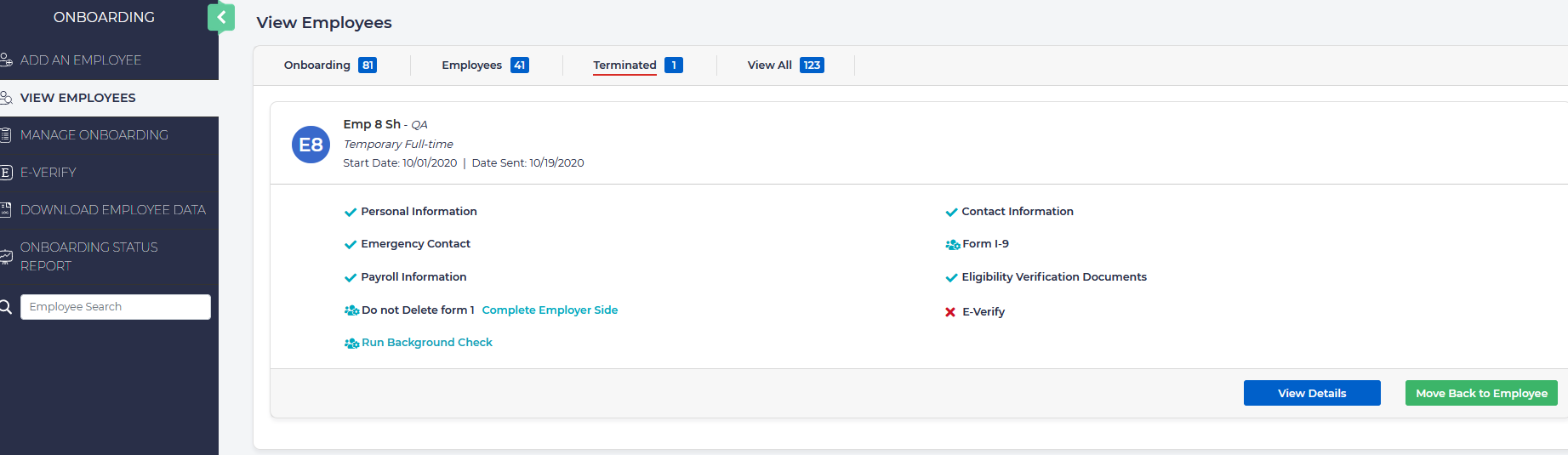
- Terminated: Displays employees that are no longer with the company and their details.
- View All: Displays all onboarded employees in a quick glance.