What you will need: Information needed for plan builds will vary by benefit type. Below are a few of the essentials:
- Eligibility rules: Who is eligible? What are your waiting periods?
- Basic benefit coverage information (deductibles, co-pays, etc.).
- Monthly carrier rates.
- Employer/employee monthly contribution strategy and amounts.
- To set up a new plan, go to the Plans tab from the left navigation bar and then select Add a Plan from the right.
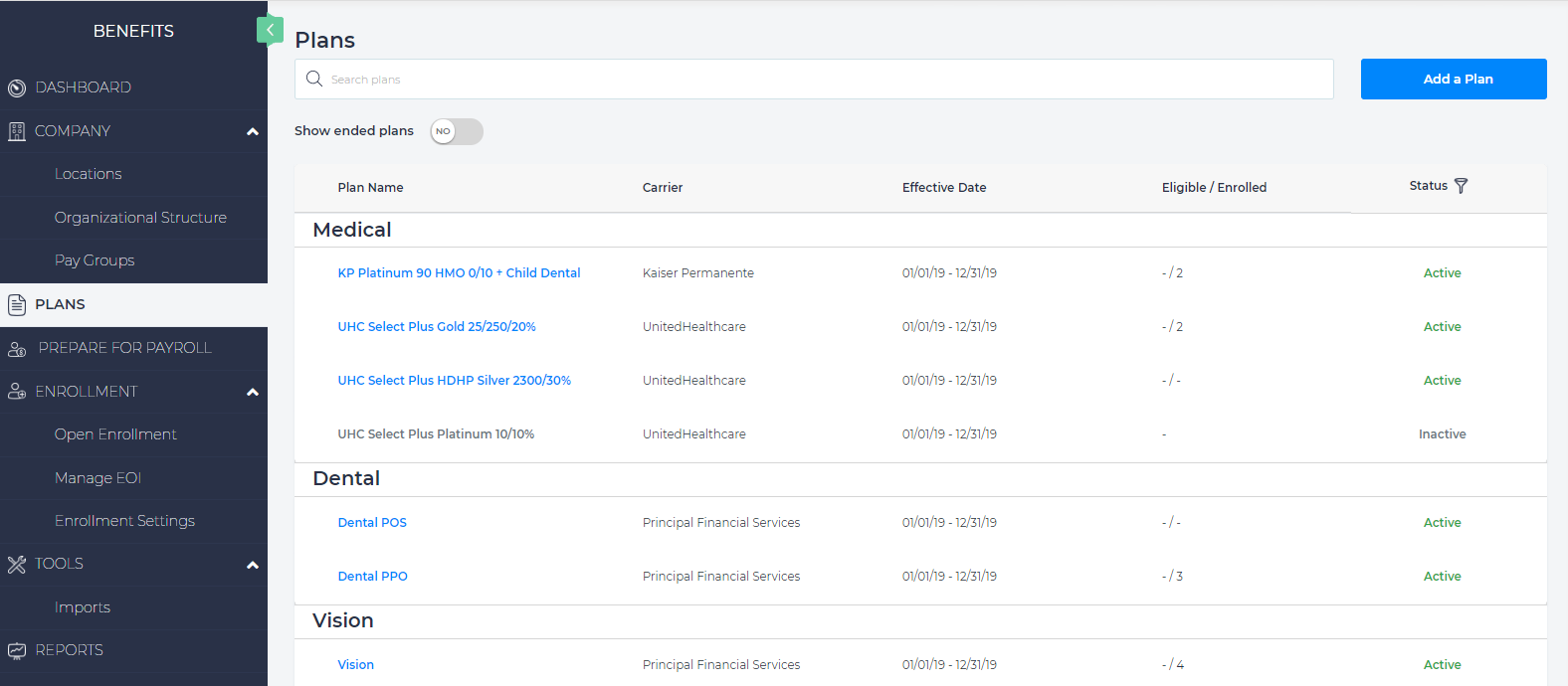
- You have two options for adding a plan.

- Option 1 - Create a New Plan
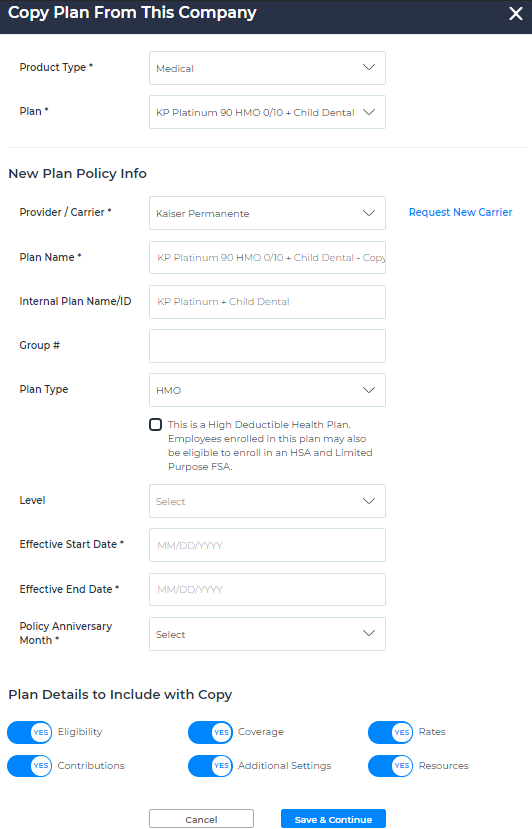
- Option 2 - If plan contributions are identical across all plans (the only changes are plan details, coverage, and plan rates), you can save time on plan set up by copying an existing plan and making necessary changes to the plan details.
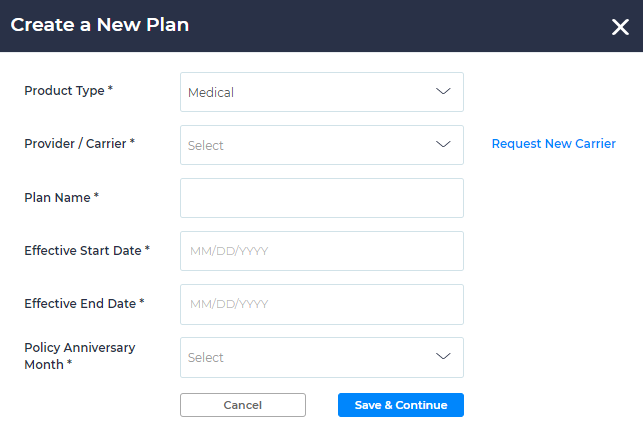
- Option 1 - Create a New Plan
- Save and continue to establish the plan shell.
- Continue filling in the required information for each tab being sure to click Save & Next at the bottom of each.
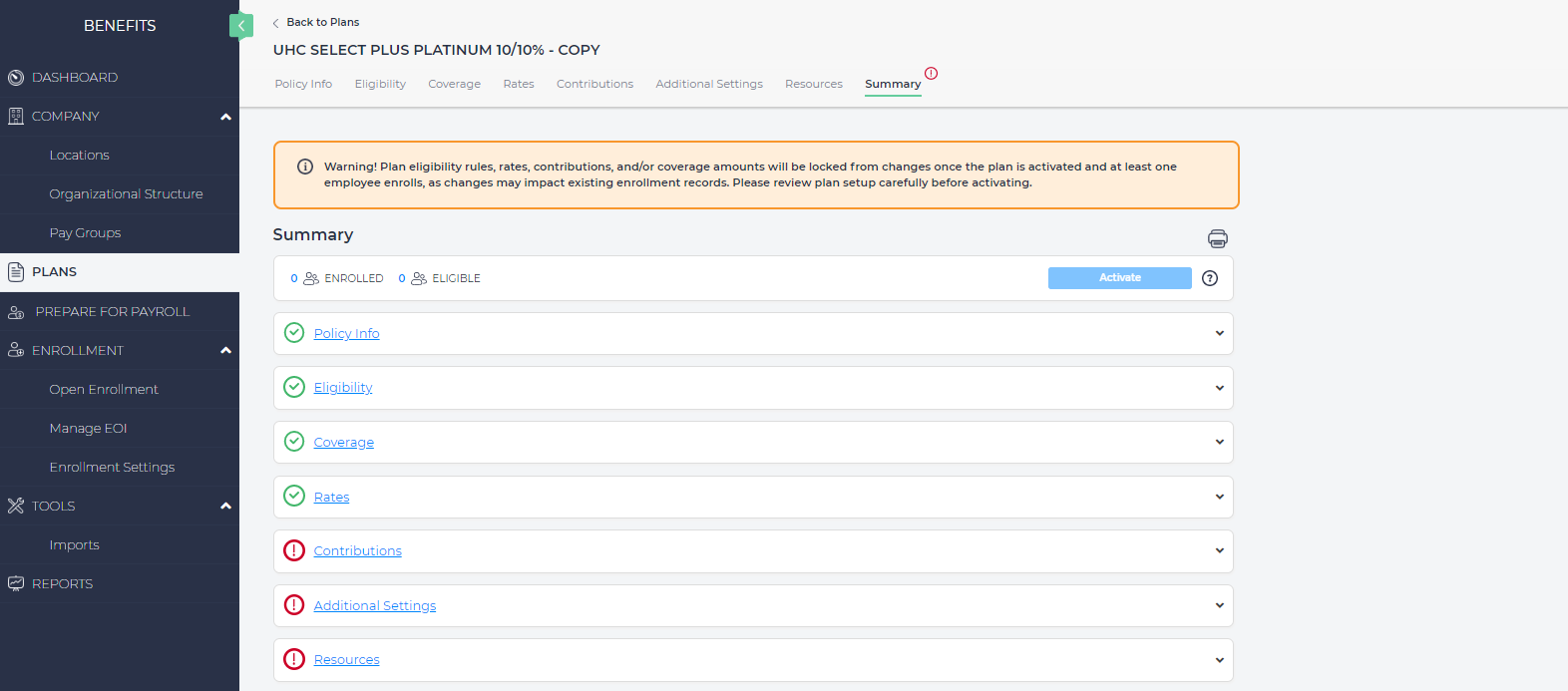
- The Summary tab will display red exclamation points next to incomplete sections.
- When all sections complete and the Summary tab indicates all green check marks, click “Activate”*. Eligible employees will now be able to enroll in this plan when they have an unlocked enrollment window.
- Important Note: once an employee has enrolled in the plan, the plan set up will lock and you will not be able to make any changes to the plan.