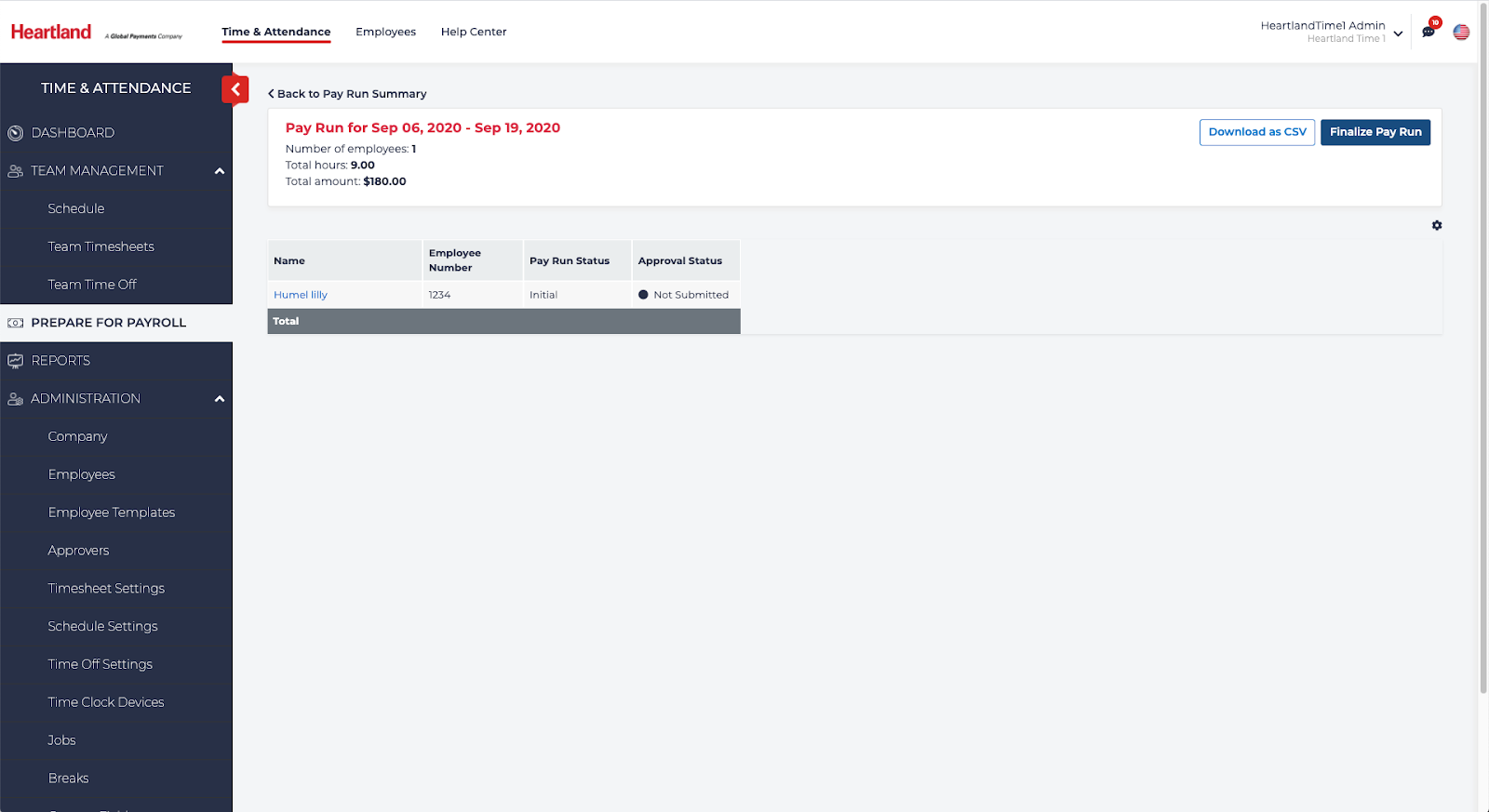
Timesheets and tips are submitted from Heartland Time to your payroll. For complete details of this process, see Prepare for Payroll. The following details a simplified version of the submission to payroll process:
- Login to Heartland Time.
- Select Prepare for Payroll.
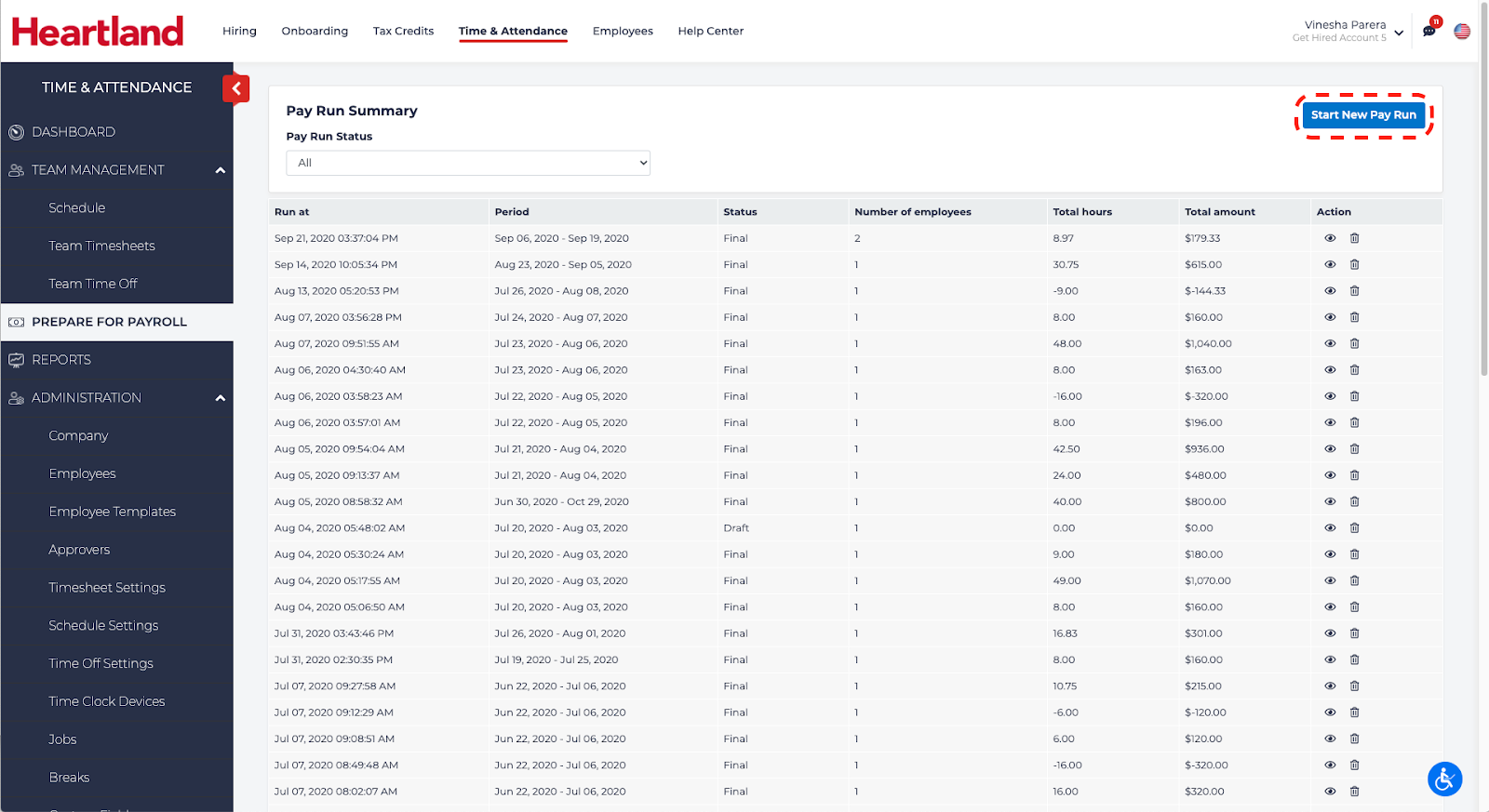
- Click Start New Pay Run.
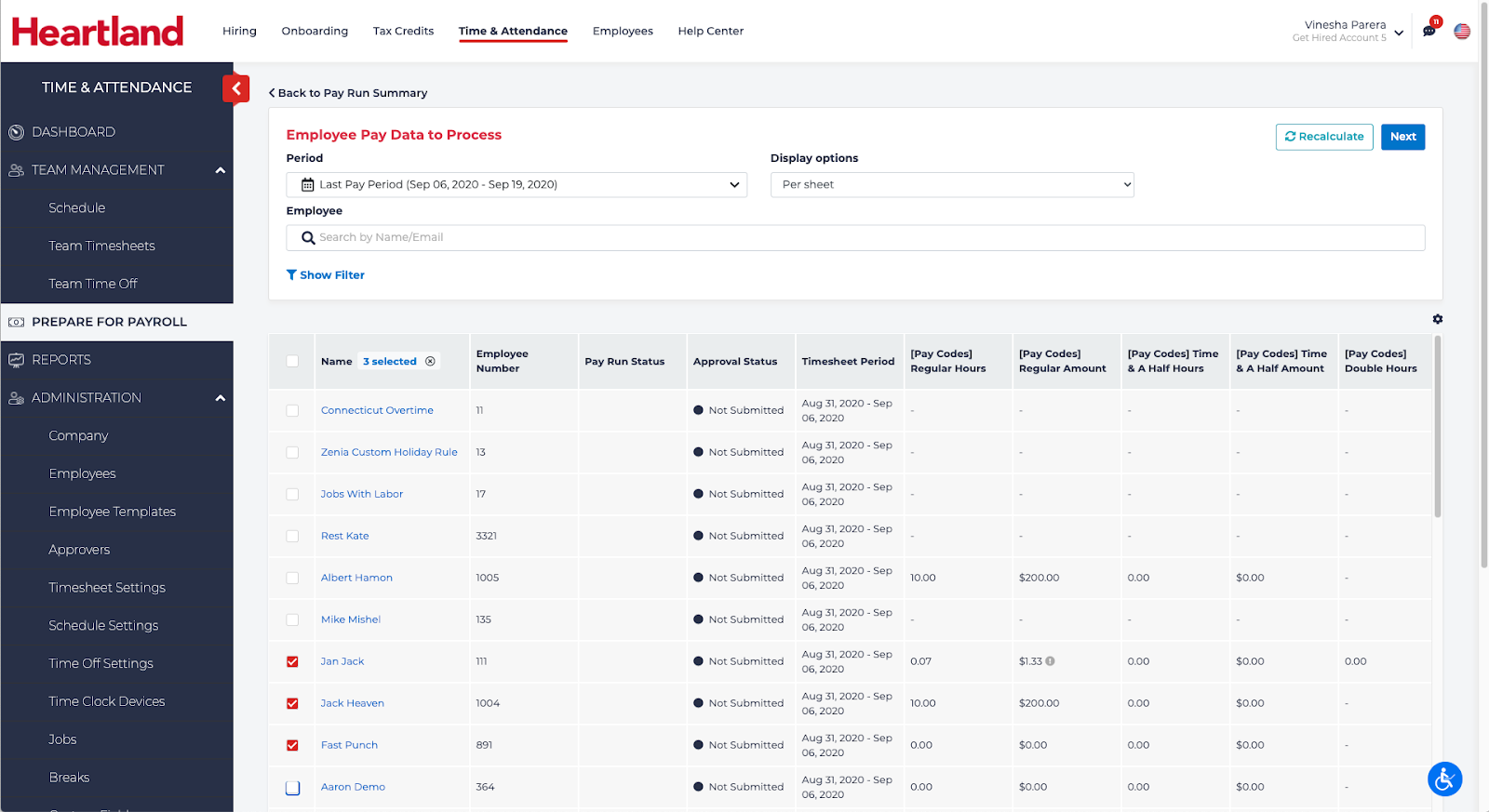
- Select the Pay Period and Employees to process. To process all Employees, select the top checkbox.
- Click Recalculate and wait for the pr When finished, click Next.
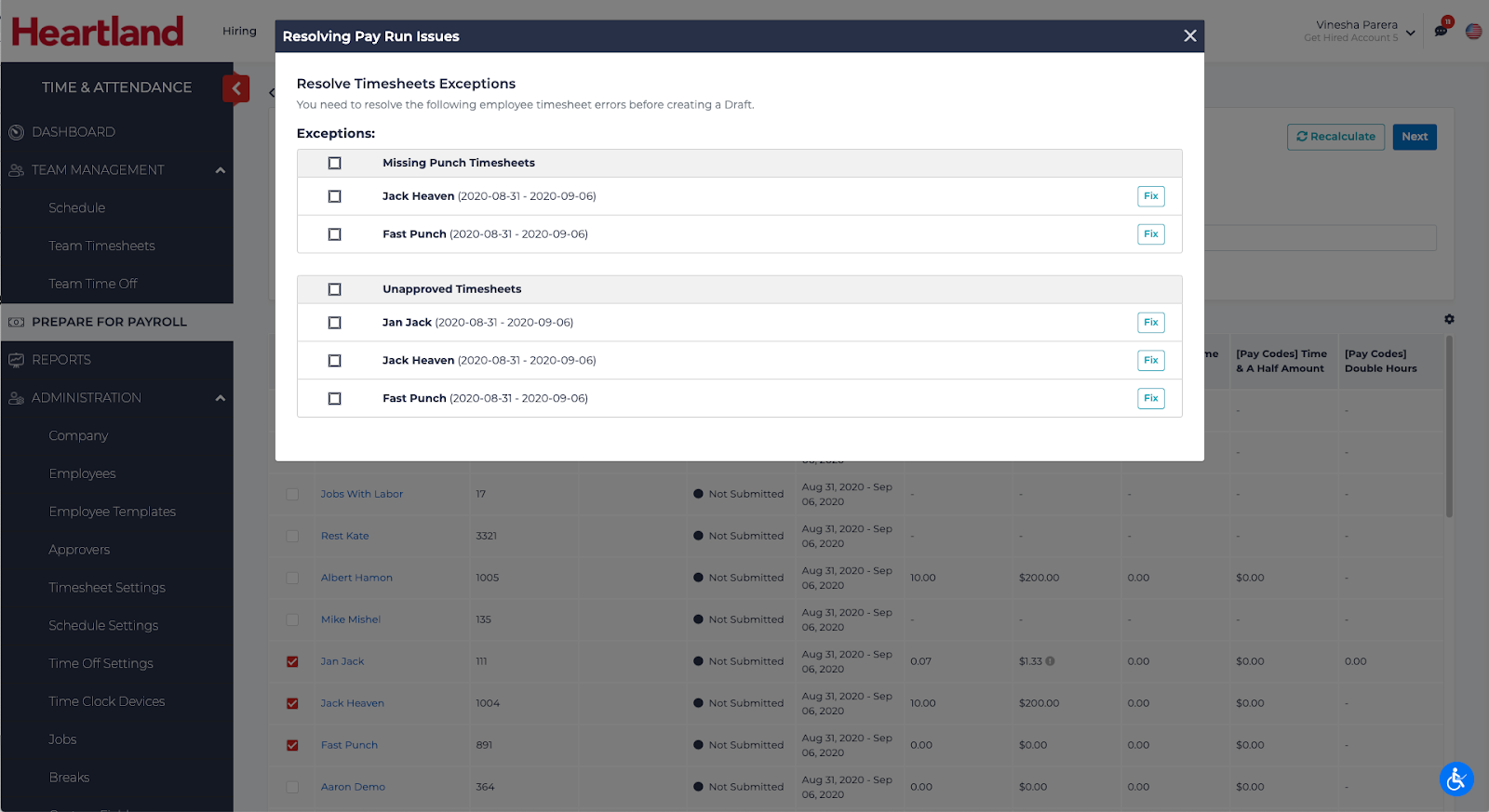
- Resolve any timesheet errors (missing punches, etc), then click Next.
- When ready, click Download as CSV. Save the CSV file and apply it to your payroll system as required.