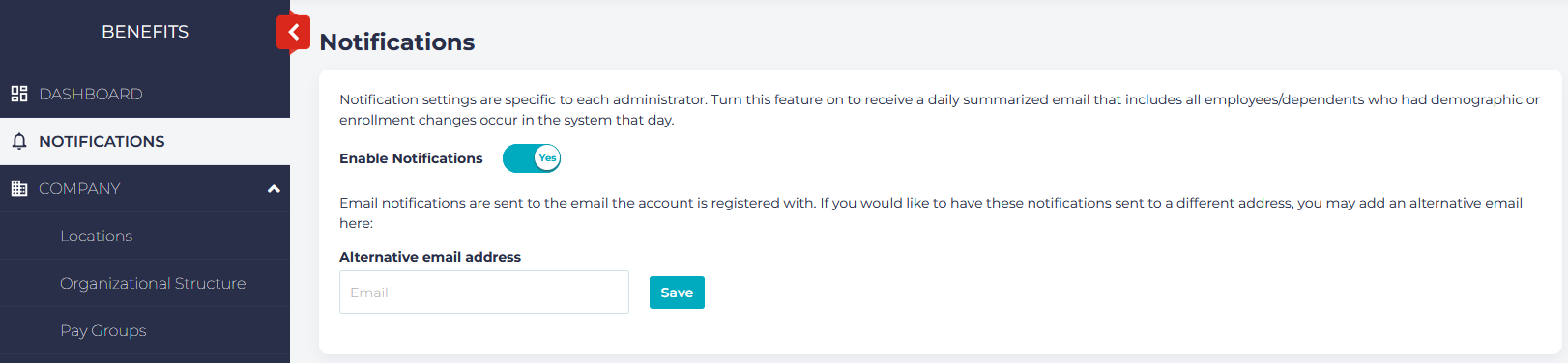
Beyond the general notification reports which appear on the dashboard, administrators may configure their account to receive a daily email which will identify employees who have had demographic or enrollment changes during that day.
Different administrators will receive different information; this is dependent on the permissions they have set up.
To turn on notifications for an account, select Notifications from the left menu, and toggle the Enable Notifications switch.
You also have the option of specifying that notifications go to a different email address than the official account email.